Free visual supports for autism, ready to print in a minute
Pick a tool, change the pictures and words to fit the learner, then print it or use it on a tablet. No sign-up, no email.
What do you need today?
Each tool opens with a filled-in example, so you can print straight away or change anything first.


Visual schedule
Show what happens next, in pictures. Strips, cards, now-next-later or a checklist.
Home · Clinic · Class

First-then board
One task, then the reward. Lanyard to full-page size, or on a tablet with a timer.
Print + tablet
Token board
1 to 25 tokens and a "working for" reward. Print with cut-out tokens, or tap to earn.
Print + tablet


Social story
A short, positive story about one situation, drafted for you to edit sentence by sentence.
AI draft · you review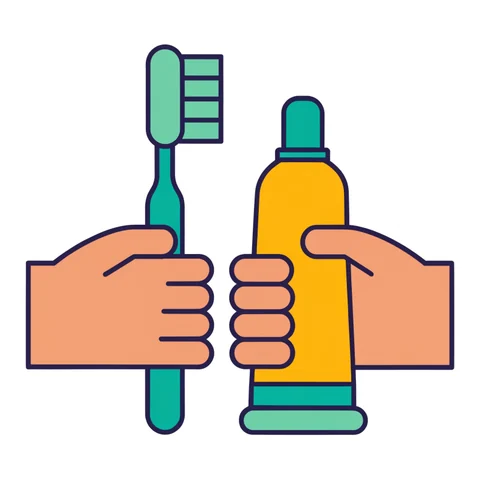
Task analysis builder
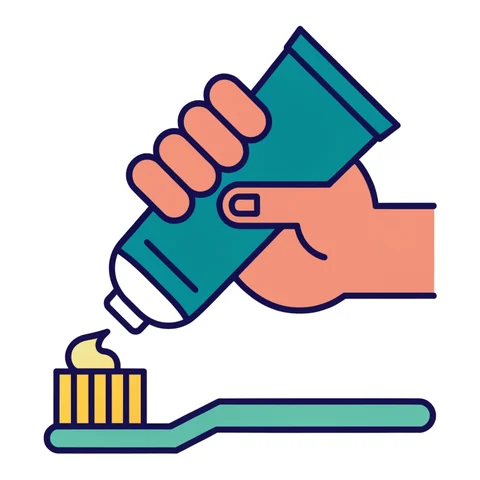
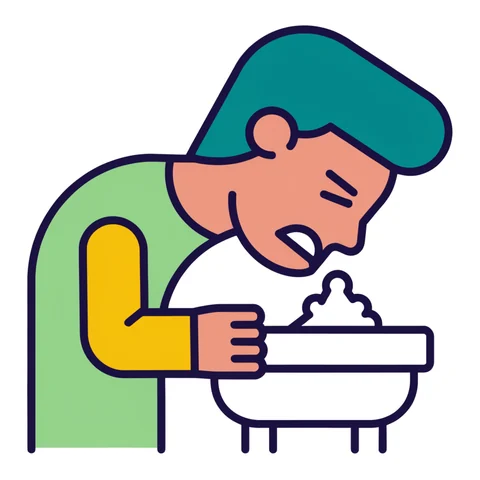
Break a routine into steps. One step list prints as a picture strip and a matching data sheet. Illustrated: brushing teeth.
Built for real sessions
For BCBAs, RBTs, SLPs, teachers and parents who need something that works today.
Start from a preset
After school, therapy session, haircut, doctor visit, bedtime. Then change any step, word or picture.
Make it theirs
Use our pictures or your own photos. Switch to black-and-white line pictures or words only, and add Spanish labels.
Print or go digital
Print on Letter or A4 with Velcro dot markers, or open tablet mode where the learner taps each step done.
What are visual supports?
Visual supports are pictures, symbols, photos, objects or written words that show a learner what is happening, what comes next or what to do. Schedules, first-then boards, token boards and social stories are common examples. Many autistic learners take in what they see more easily than spoken instructions, and a picture stays put after the words are gone. Visual supports are one of the evidence-based practices identified by the National Clearinghouse on Autism Evidence and Practice.
Match the support to what the learner understands. A common order goes from real objects, to photos, to colour pictures, to line drawings, to written words. Start where the learner succeeds and move along as skills grow.
Which visual support do you need?
Start from what is hard right now:
| What's hard | Try | Why it helps |
|---|---|---|
| Starting a task they don't like | First-then board | Shows that the task ends and the good thing comes next. |
| Moving between activities | Visual schedule | The next step is visible before it arrives, so it's less of a surprise. |
| Waiting, or staying with work | Token board · how it works | Progress toward the reward is visible, one token at a time. |
| A new or worrying event | Social story · how to write one | Describes what will happen, and why, before the day comes. |
| A routine with many steps | Task analysis · chaining | Breaks handwashing or toothbrushing into steps you can teach one at a time. |
| Knowing if it's working | Data sheets | Records trials, prompts or behavior so you can see change over weeks. |
Five habits that make them work
- Show only a few items at once. Two or three pictures are enough for a new user.
- Use the same pictures everywhere. Print a spare set for school, the car or a grandparent's house.
- Point instead of repeating. Once the picture is up, point to it rather than saying the instruction again.
- Build in "finished". A check-off, an "all done" pocket or a tap in tablet mode lets the learner close each step.
- Keep it after things go well. Removing a support too early is a common reason a routine falls apart. Fade it gradually.
These come from the visual-support guidance published by Vanderbilt's TRIAD team, AFIRM at UNC and the University of Florida's Center for Autism and Related Disabilities, listed below.
Guides
- Token economy in ABA: what a token board is and how to use one
- How to write a social story, with examples
- Forward vs backward chaining
- Can BCBAs use AI with client data?
What happens to what you type
Names, nicknames and photos you add stay in your browser. They are never uploaded. Your work is saved on this device so you can come back to it.
The one exception is the social story generator, which sends the situation and settings you choose to write its draft. If a name appears in your text, the browser swaps it for a placeholder before anything is sent. Read the privacy page.
Who uses CueBoards
- BCBAs and RBTs: turn a target into the materials to run it. For BCBAs.
- Clinics: the same materials across every staff member. For clinics.
- Teachers and SLPs: classroom schedules, first-then boards and token boards in the same pictures.
- Parents: the same supports used in therapy, printed for home.
Who's behind this, and how we review it
CueBoards is a small, independent project. We don't have a clinical team yet, and we won't pretend to. Each tool follows methods from named public sources, such as the NCAEP evidence review, the AFIRM modules and Carol Gray's published criteria for social stories, and those sources are cited on each page.
Every page is waiting for review by a Board Certified Behavior Analyst. Until a named BCBA has checked a page, it says "Clinical review in progress". The methodology page lists what each tool does, the sources behind it and what has changed.
Why this is free, and what Pro adds
Printing and PDFs are free, with no email and no account, and they will stay that way. Pro, coming soon, will save each learner's profile and build the whole packet in one go: schedule, first-then board, token board, task analysis and a matching data sheet.
See the founding priceQuestions people ask
What are examples of visual supports for autism?
Common ones are visual schedules (the steps of a day or routine in pictures), first-then boards (one task, then a reward), token boards (earn tokens toward a reward), social stories (a short story about one situation), picture strips for a self-care routine, choice boards, timers and cue cards such as "wait", "break" or "all done". All but the cue cards can be made with the tools on this site.
Are visual supports evidence-based?
Yes. The National Clearinghouse on Autism Evidence and Practice's 2020 review lists visual supports among the evidence-based practices for autistic children, youth and young adults. That rating is for the practice. Our tools have not been studied, so treat what you make as a starting point to adjust for the learner.
Do visual supports work for autistic teens and adults?
Yes. Older learners usually do better with photos, simple line pictures or words than with cartoon art. In the schedule maker, the Checklist layout with line pictures or words only reads like a to-do list, and there is a "Teen or adult checklist" preset to start from.
Should I use photos or symbols?
Use the level the learner understands. A common order runs from real objects, to photos, to colour pictures, to line drawings, to written words. Photos of the real bathroom, car or classroom help many early learners. Symbols are quicker to make and look the same everywhere. Every tool here takes both, and your photos stay on your device.
Are these visuals really free to print? Do I need to sign up?
Yes, and no. Every tool works and prints with no email and no account. To save a PDF, choose "Save as PDF" in the print window. A paid Pro plan is planned for people who make materials for many learners; printing will stay free.
Can I use them in a classroom?
Yes. The classroom visual schedule prints wall cards for the whole class plus matching desk strips for students who need their own. First-then boards print in sizes from a lanyard card to a full page.
What's the difference between visual aids and visual supports?
Usually none. Both mean pictures, objects or written words that help someone understand what is happening or what to do. "Visual supports" is the term used in autism research and in school and therapy plans.
Sources
- Steinbrenner, J. R., et al. (2020). Evidence-based practices for children, youth, and young adults with autism. National Clearinghouse on Autism Evidence and Practice, FPG Child Development Institute, UNC.
- AFIRM Team. Visual Supports: brief packet. Autism Focused Intervention Resources and Modules, UNC.
- Vanderbilt Kennedy Center TRIAD / ATN. Visual supports and autism spectrum disorders.
- University of Florida Center for Autism and Related Disabilities (CARD). Visual supports.
- Reading Rockets. Visual supports for students with ASD.